 iFishy
Try iFishy before anyone else.
iFishy is almost ready for the App Store. Get it free now through Apple's TestFlight app, take it to the lake, and tell us how the picks work out.
Join the betaon TestFlight for iPhone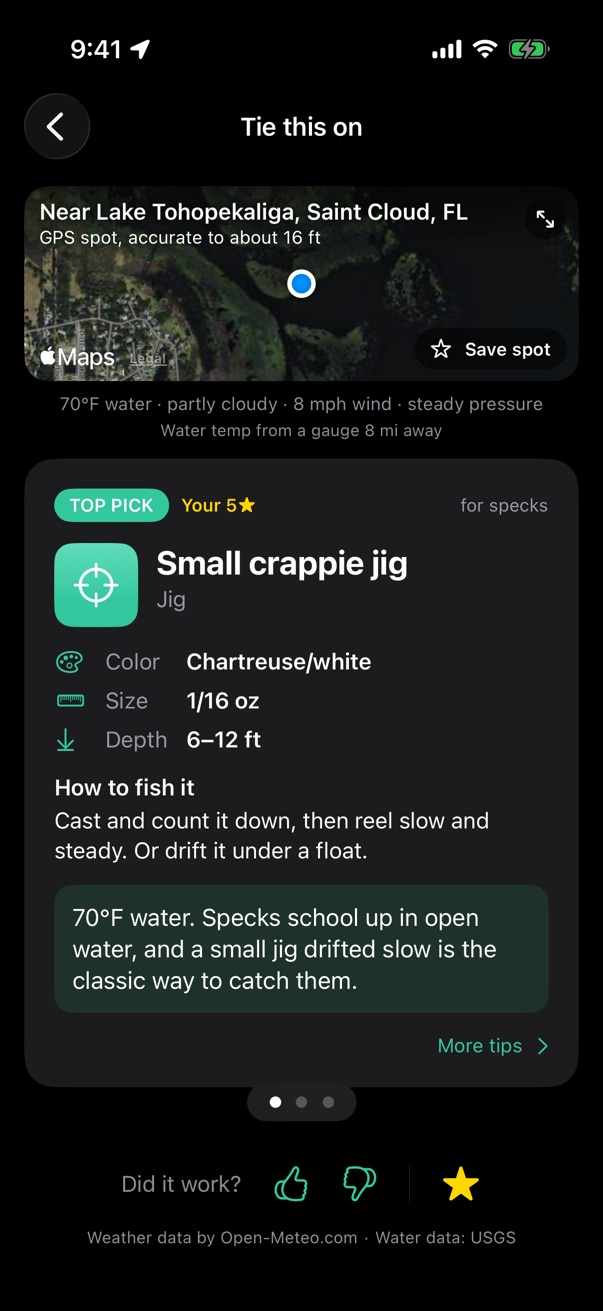
How to join
It takes about a minute. Open this page on your iPhone first.
-
Get TestFlight
Install Apple's free TestFlight app from the App Store.
-
Tap the link
Come back here and tap Join the beta. TestFlight opens and asks you to accept.
-
Install and fish
Tap Install. iFishy shows up on your home screen like any other app.
Good to know
Does it cost anything?
No. The beta is free, and so is TestFlight.
What do I need?
An iPhone on iOS 18 or newer. The picks only work for freshwater lakes and rivers in Central Florida, roughly from Ocala down to Lake Okeechobee.
How do I send feedback?
Take a screenshot in iFishy and TestFlight will offer to send it to us with a note. You can also open TestFlight, tap iFishy, and tap Send Beta Feedback, or email ifishy@traverce.app.
Can I see my email or info?
We never see your Apple ID. If you send feedback, Apple shares your note, your email, and basic device info with us so we can reply. See the privacy policy for what the app itself sends.
What happens when it's on the App Store?
Just download it from the App Store like normal. Beta builds stop working after 90 days, so we'll keep sending new ones until launch.
The link says the beta is full.
We may cap how many people can join at once. Check back in a few days, or email us and we'll let you know when a spot opens.